KT ModelingToolSet(LATEST 1.54)
<> suggested maya version 2023 +
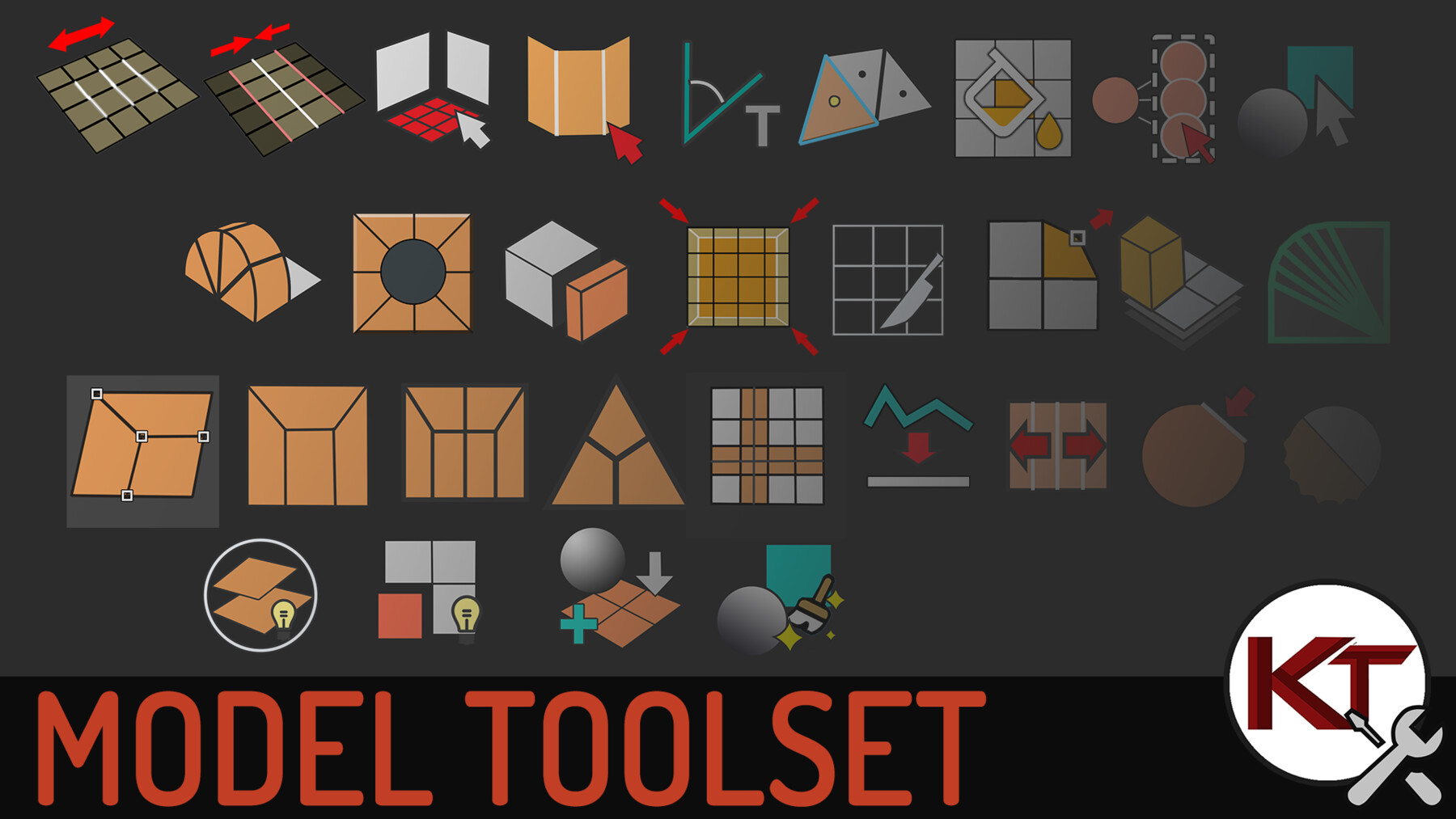
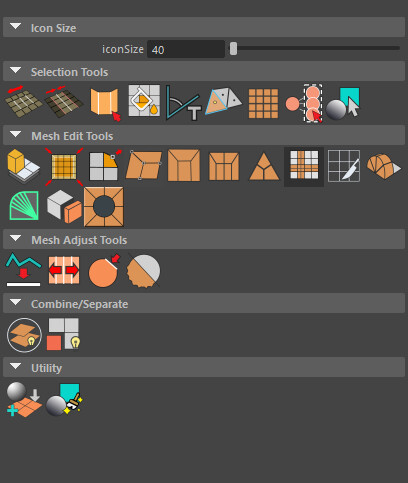
A collection of useful tools that help save time for modeling. 30 + Tools/Function in total and growing...
With useful tools like Quad Corner Connect, Straighten Edge loops, Grow selection by Angle.... and more.
KTHolePuncher and KTpolyPanelExtract is also included in this collection.
Please download the latest version and replace the old files
<>
Version 1.54 (LATEST)
- fixed crash when activating edge loop deform from shelf
- fixed pivot tools menu items
- added support for Maya 2019 for create primitive on selection. since height baseline attribute was add in later maya versions.
- fixed import export options mismatch
- adjusted help window size to take dpi setting into account.
Version 1.53
- Add circle support was unstable, cause maya to hard crash. Should be fixed and more stable now.
- Edge Loop deform / adjust edge loop functions has been changed to using nearestpointonCurve.mll instead of closestpointonCurve.mll. Due to compatibility issue in some versions of maya.
- Fixed a bunch of launch issues on buttons on toolkit UI
- Updated help window compatibility for maya 2025
Version 1.52
- improved angle calculation of Fan wedge, now supports angles other than 90 degrees
- fixed face center selection button launch
Version 1.51
- Fix Button launch issue
- updated installation notes
version 1.5
////New Features
- added polyExtendFaceNoBorder - extends the faces with no border overlap
- added ktCircleSupport - add support edges surrounding the circle topology
- added cycleDisplayLayer - give user the ability to isolate and toggle the visibility of selected display layers
- added ktCleanerTools - collection of mesh cleanup/detection tools.
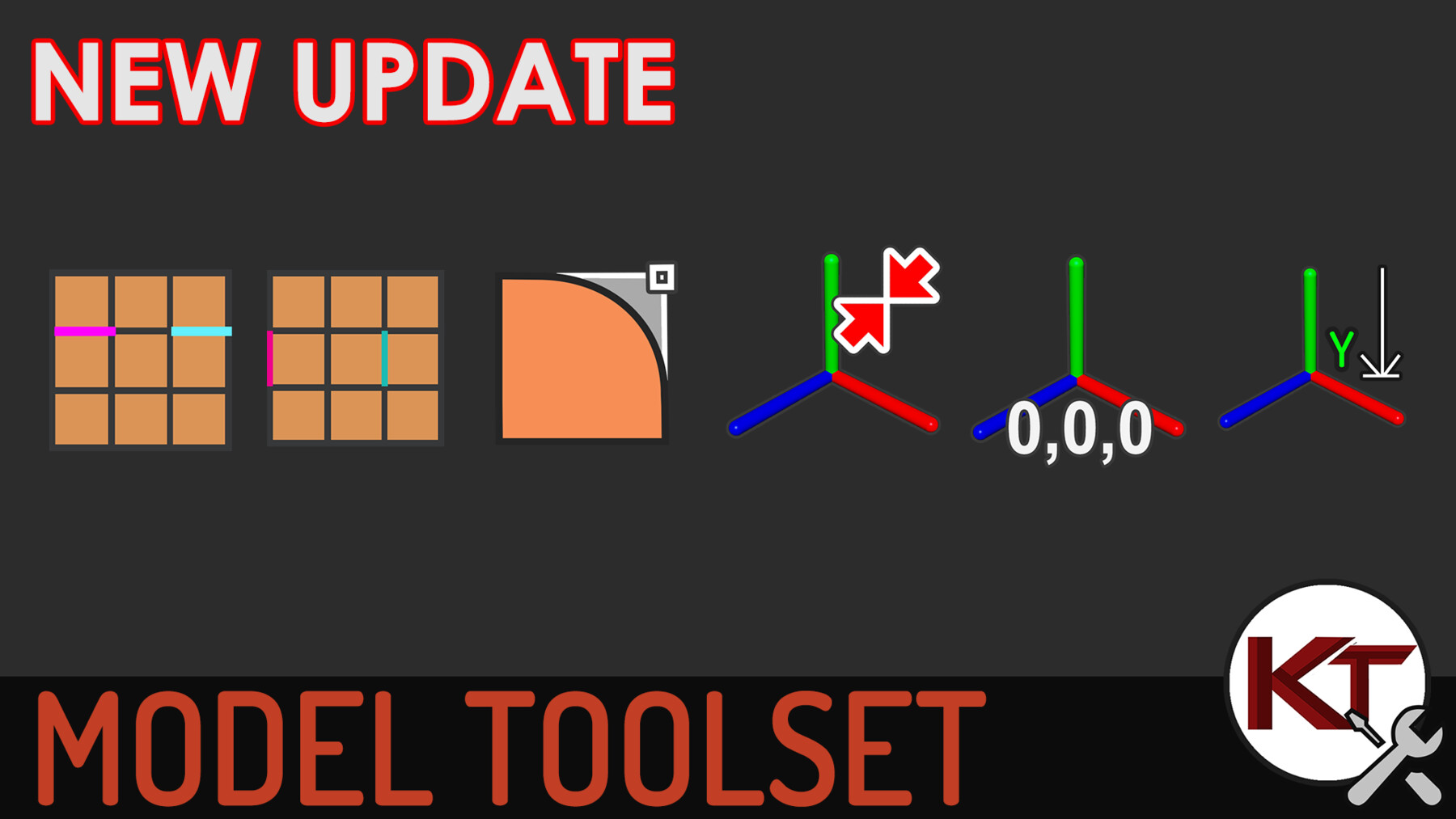
- added Planar Min - flattens selected components to the minimum position in the local direction
- added bake custom pivot from component function
- added create Primitives at Selection functions
- added collapsable separators on the shelf
///Update
- extended dotloopSelect support for faces and vertice
- add tweak button for Grow Angle Selection
- Added support for face bounds in Face fill selection
version 1.4.4
- Fixed missing Curve Edge Deformer in Toolset UI
- Fixed typo for launching help file directory
version 1.4.3
- Added Import and export temp file between scenes
- Fixed shelf buttons drag and droped from toolset
- fixed missing help option on buttons
version 1.4.2
- Fixed edge loop deform optionVar not restoring or saving correctly
- Adjusted edge loop deform scale and falloff defaults
- Fixed typo for script launch extractPresetsUI;
version 1.4.1
-(FIXED) Error: source ktAppendBridge.mel; // Error: Line 36.26: Cannot find file "ktAppendBridge.mel" for source statement.
-(FIXED) line 4: flag "-where" available in Vertex, Edge, Face & Texture modes
version 1.4
- New tools AppendBridge, BridgeRing, EdgeLoopDeformer, GroupUnderSelection, SetPivotToCam
- Straighten Edge will now default as keep spacing between edges, alternate mode with even spacing.
- Space Loop will have a smooth option
- Vertex selection has been added to quadCornerConnect
- Added Custom Shelf
- Added Help files
HOTFIX version 1.3.1
included missing ktSelectPattern and getComponentID script
version 1.3
Added Bevel Vertex function - currently only works with Border Corner vertices
Added Dot Loop and Dot Ring pattern selection
Fixed missing link for icons in shelf
Fixed Quad End shelf button
Fixed ktPolyPanelExtract being disabled on launch
HOTFIX 2
Fixed Fan Wedge Bug
Add Pivot Tools - Set World Pivot, Match PIvots, Set Pivot To Min Y
HOTFIX 1
Fixed Missing getTransformFromComponent.mel prevented script from launching.
Fixed ktPolyPanelExtract button from getting Greyed out.
Release Notes
- fixed crash when activating edge loop deform from shelf
- fixed pivot tools menu items
- added support for Maya 2019 for create primitive on selection. since height baseline attribute was add in later maya versions.
- fixed import export options mismatch
- adjusted help window size to take dpi setting into account.