(Maya) QuadPrimitive Beta v1.1
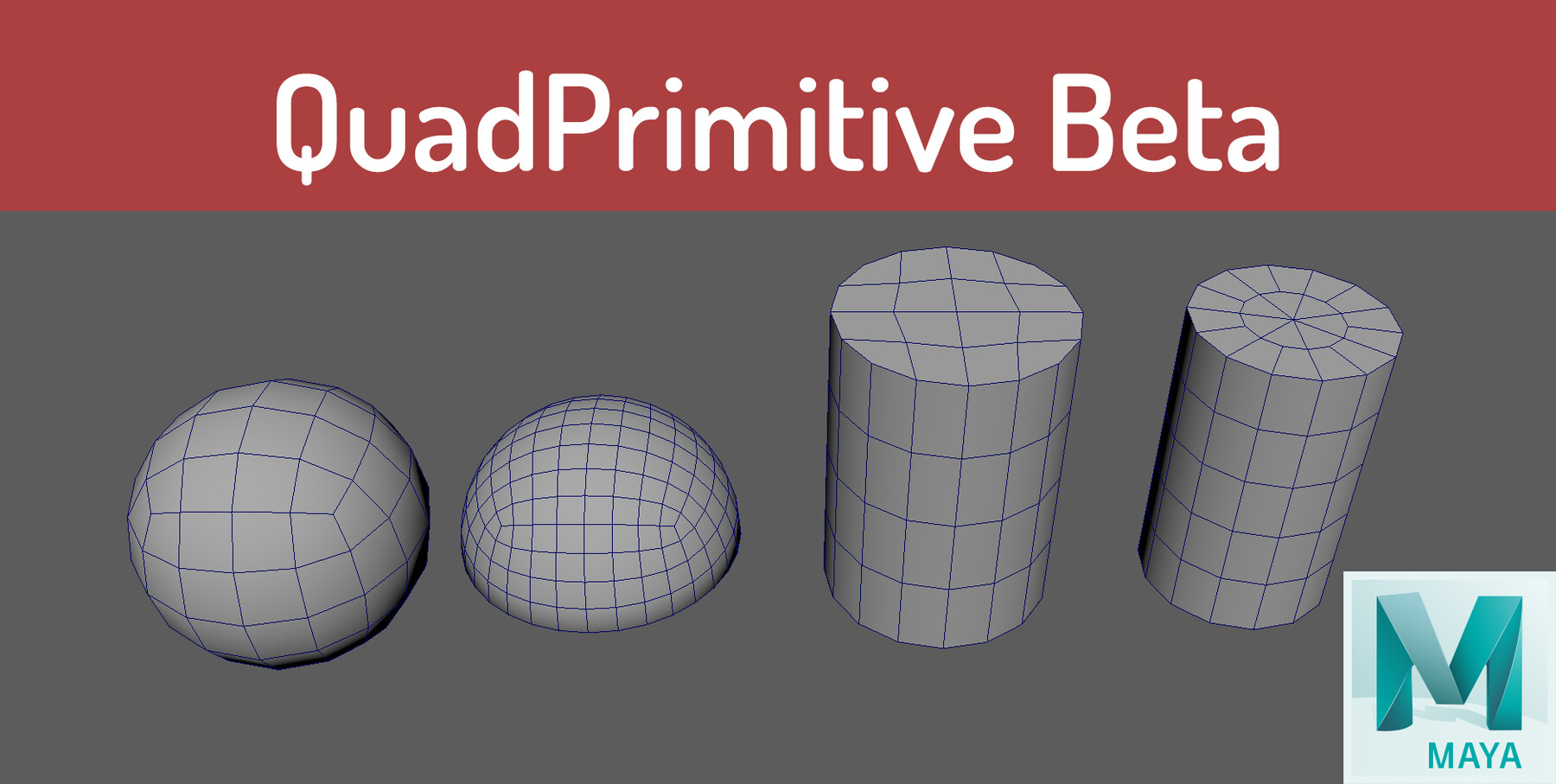
Interactive Quad Primitives. maya 2018 , 2019, 2020. untested in 2022 (should work as well)
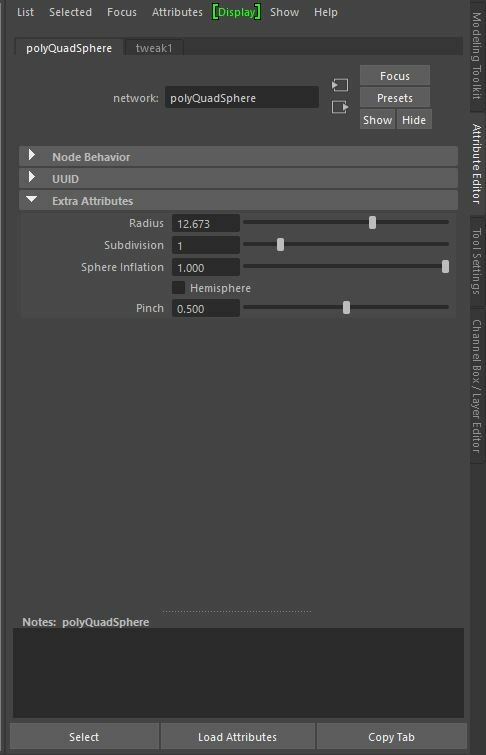
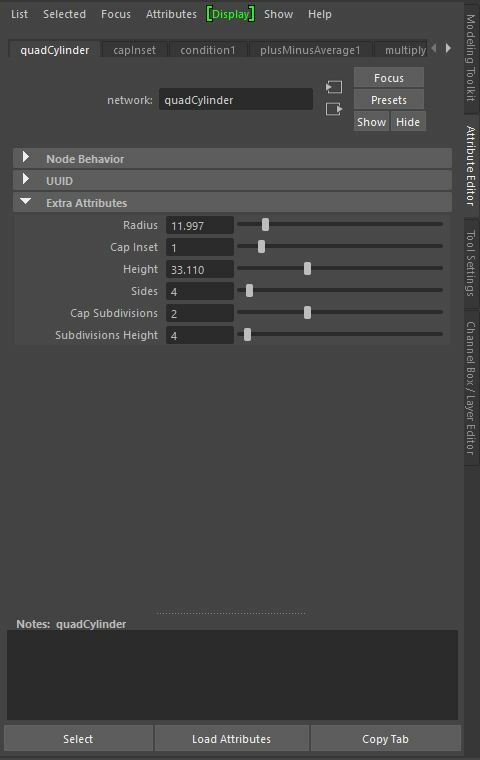
Tweakable settings that updates realtime
Quad Based.
More Primitives to come for final release...
Usage:
Click Shelf button> drag shape in viewport> middle click drag to adjust settings> press W (Move Tool) or Q(Select Tool) to complete
Installation:
Unzip quadPrimitives_beta_v1.1
place contents from inside scripts folder to C:\Users\*Your_PC\Documents\maya\*MayaVersion\scripts
place icons from inside folder into C:\Users\*Your_PC\Documents\maya\*MayaVersion\prefs\icons
copy and paste QuadPrimitiveBetaInstall.mel into scriptEditor and run to setup Buttons. It will auto create Shelf buttons based on your current Shelf.
(IMPORTANT) for v1.0 users, please just delete the old buttons and run the QuadPrimitiveBetaInstall.mel to install.
Release Notes
please replace the old scripts with the scripts from quadPrimitives_beta_v1.1 and re
Features
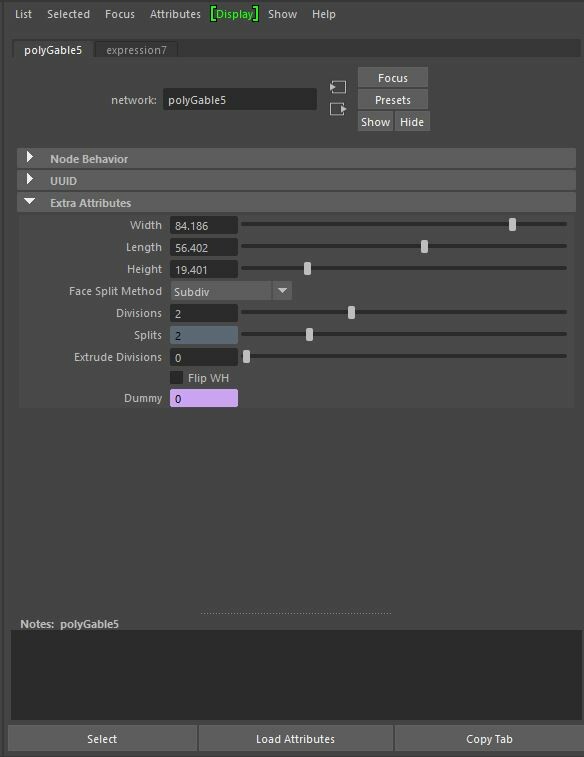
- added new polyGable primitive
- auto expand the frameLayout of the Attributes when you have Attribute Editor open. Otherwise it will open ChannelBox
BugFixes
- Fixed Major Bug prevent from multiple quadsphere created.
Known Issues
quadCylinder - after deleting History some unuse nodes linger. workaround is to delete the quadCylinder node after deleteHistory.